
Tools
Interactive tools you make your own
Ready-made WebGL pieces with real controls. Change the colour, the shape and the motion, then put it on your page.
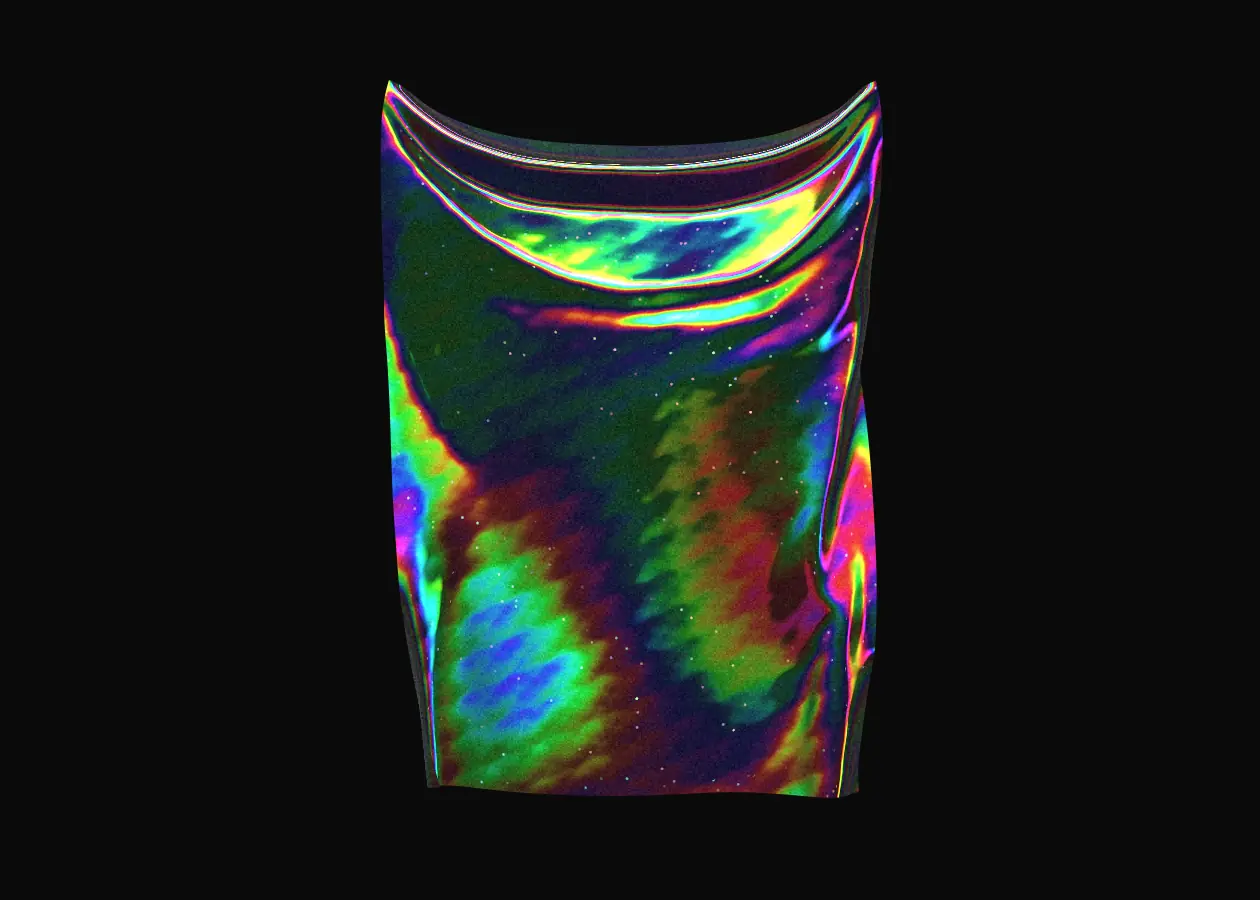
Holo cloth
MaterialA sheet of holographic foil you can grab and pull.
Presets
Settings
Hand-picked
Pick one that moves
Each tool is a live WebGL piece with its own interaction. Hover one to play it, open it to change it.

Liquid Chrome3D

Spark orbEffects
Bubble galleryGallery
Virus3D
Prismatic HorizonLight
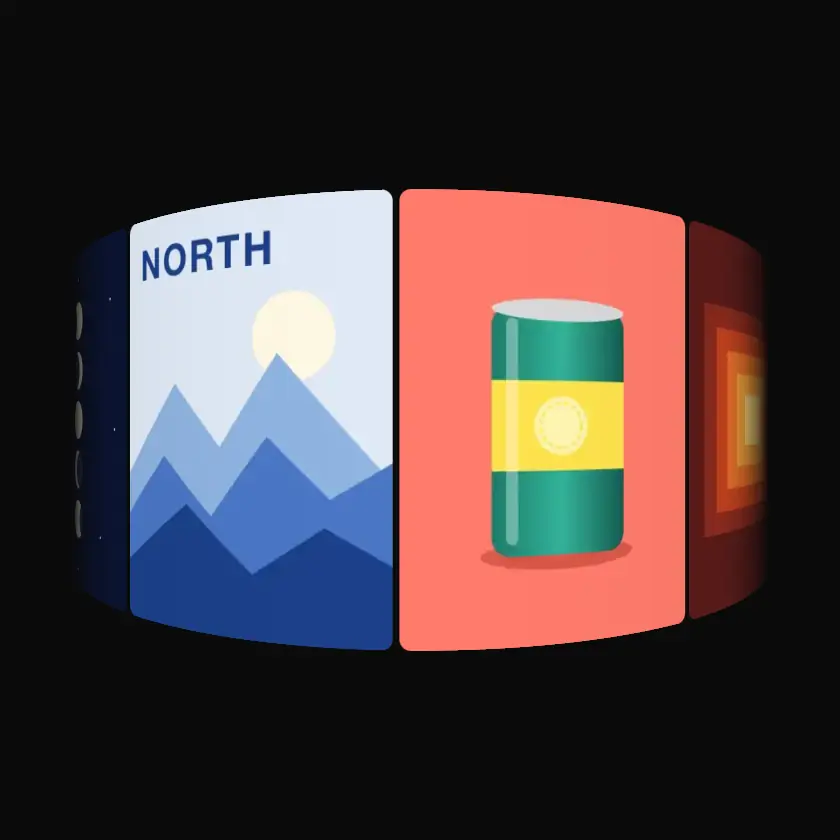
Curved carouselCarousel
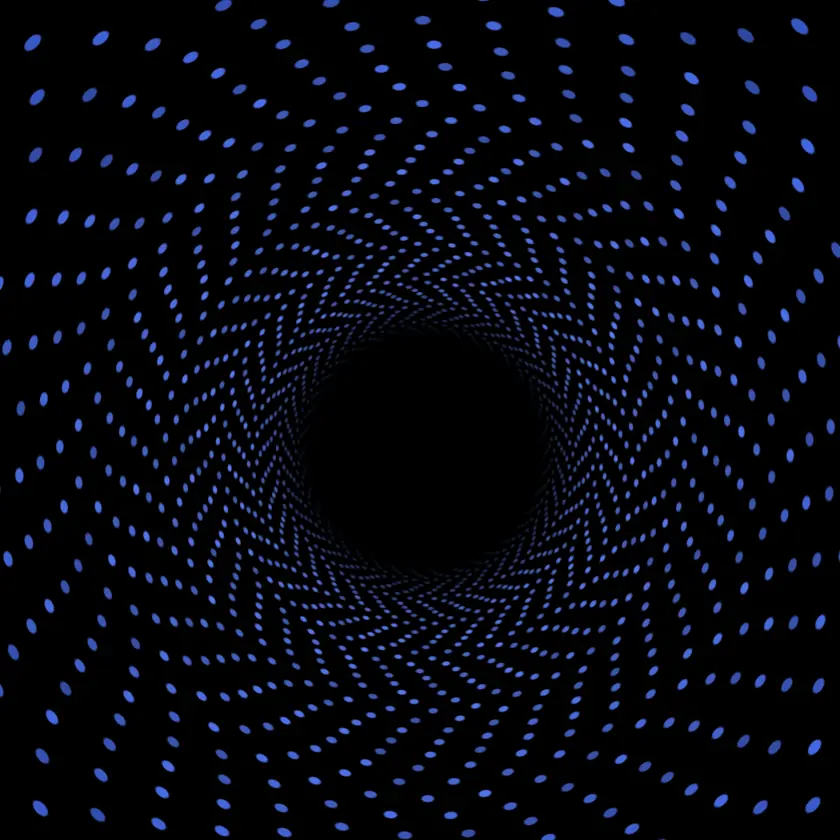
Particle ringMotion

Ink in waterFluid
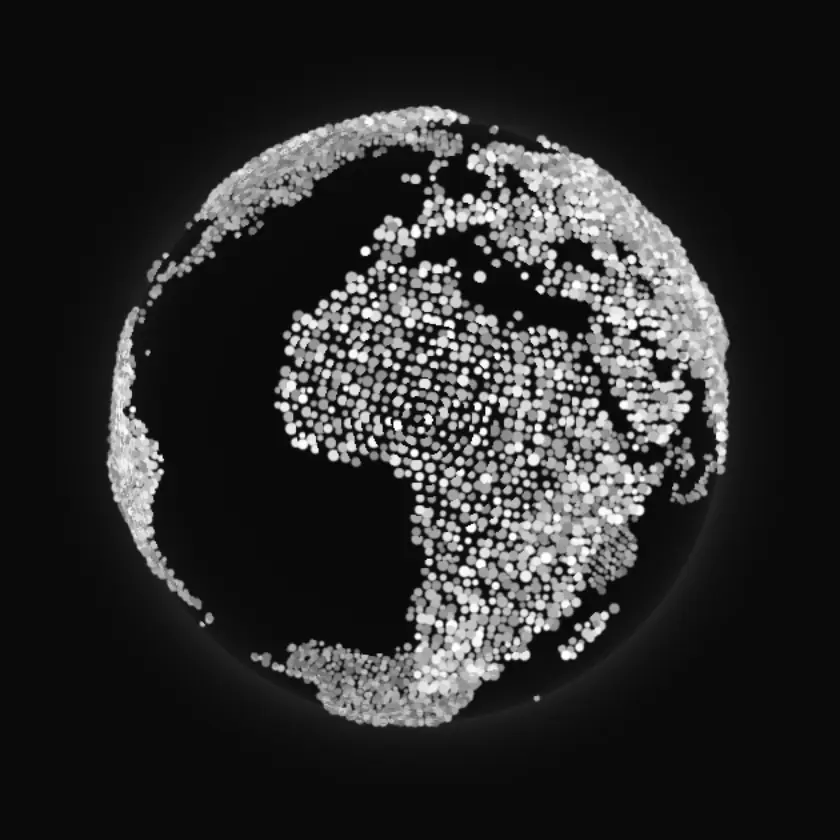
Depth globe3D
Make it yours
From the Add panel to your page
Add a tool from the editor's Add panel, set it up in the inspector, then export it with the rest of your page.
01Pick a toolAdd it from the editor's Add panel, onto any artboard.
02Change itIts settings and presets are rows in the inspector, live on the canvas.
03Use itCopy the embed code or download the files.




Start with a tool
Open the editor and add one to your page.